Do I need an MDT Cloud account?
No. You only need an account if you want MDT Cloud login. The normal local browser/native MDT works without
signing in: go on duty, open the local address shown in-game, and use the local MDT as usual.
Where do I download the dependencies?
Start with LSPDFR,
RagePluginHook, and
LemonUI v2.2. After that,
choose either Policing Redefined
(includes CommonDataFramework)
or StopThePed plus
Ultimate Backup with CommonDataFramework installed separately.
Callout Interface (in development)
integration is in development and does not work yet.
Can I use StopThePed?
Yes, for local MDT use. Pair StopThePed with
Ultimate Backup. Do not expect MDT Cloud login to support that
stack right now.
Why does Cloud require Policing Redefined?
Cloud sync depends on a tighter set of game-context and data assumptions.
Policing Redefined
is the supported
Cloud path. StopThePed plus Ultimate Backup remains a local MDT path.
Why does Active Call show nothing?
The Callout Interface (in development)
integration is in development and does not work yet. If the Active Call page is empty, that is expected for now.
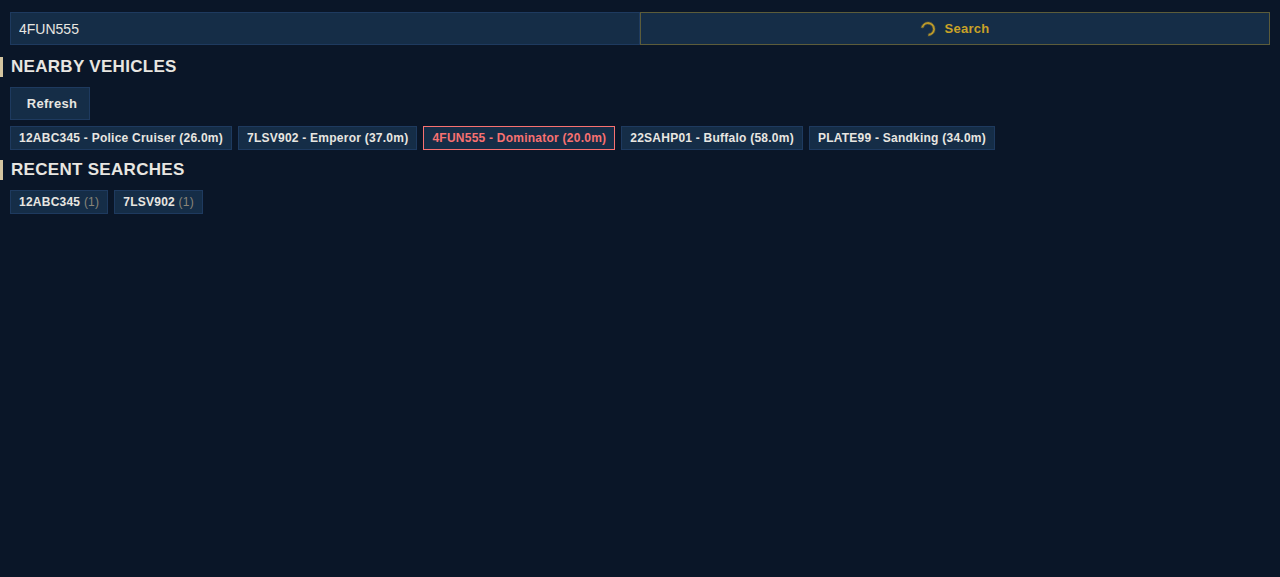
Why do name, plate, or ID searches return nothing?
Check CommonDataFramework first. MDT Pro depends on CDF for person and vehicle data, so searches can fail even
when the MDT page itself opens. Policing Redefined includes CDF; if you use StopThePed instead, install CDF
separately. Make sure CDF is loading correctly and compatible with your selected setup. If it still fails, include RAGEPluginHook.log and
MDTPro/MDTPro.log when reporting it.
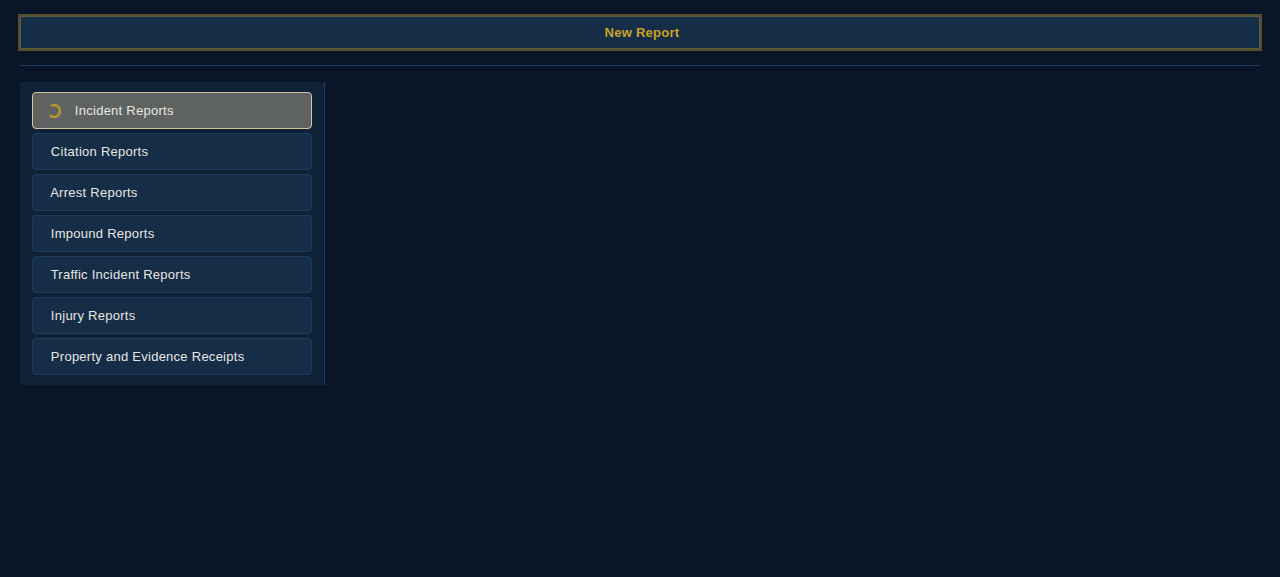
How do I print a citation or report?
Open the saved report and use Print / Save as PDF if the document toolbar is shown. That opens
your browser print dialog. Pick a physical printer or "Save as PDF" from there.
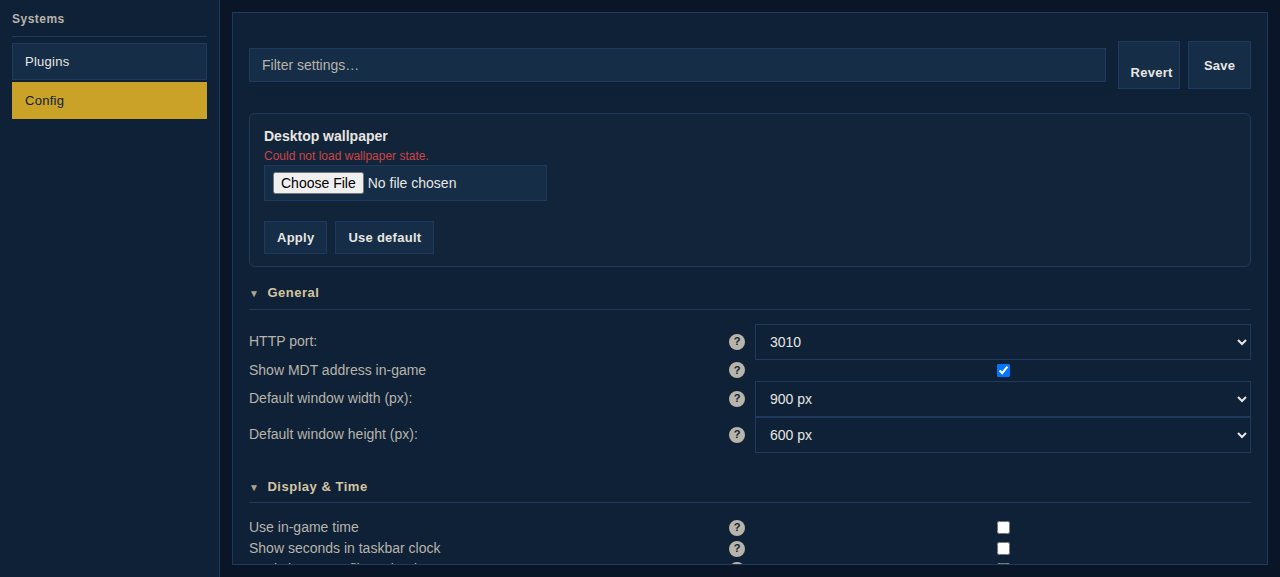
Where is the MDT address?
MDT Pro shows it in-game when the server starts, unless that notification is disabled. It also writes addresses
to MDTPro/ipAddresses.txt. The default port is 9000.
Can I open the MDT on my phone or another PC?
Usually, yes. Use the local network address from MDTPro/ipAddresses.txt, not
127.0.0.1. That address only works on the same PC running GTA V. If the other device cannot
connect, make sure it is on the same network and add a Windows Firewall inbound rule for the MDT port on the
game PC, usually 9000.
How do I reset MDT Pro?
Close the game first. To reset records, clear MDTPro/data/. To reset settings, delete
MDTPro/config.json. Keep backups if you care about your existing reports or records.